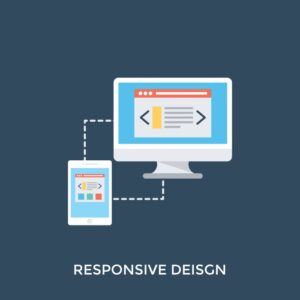
UI/UX design for websites is more than just aesthetics; it’s about crafting an engaging experience that keeps users coming back. This vital aspect of web development involves understanding user needs, behaviors, and preferences to create intuitive interfaces. Effective UI/UX design can significantly impact how a website is perceived and interacted with, leading to higher conversion rates and better user satisfaction.
By exploring key principles of UI/UX design, the importance of web hosting and domain selection, and the ways to monetize through strategic design choices, we can uncover the intricate relationship between design and user engagement. This narrative dives into the essentials that every web creator should consider to thrive in a digital landscape.
UI/UX Design Principles
Effective UI/UX design is essential for creating websites that are not only visually appealing but also easy to navigate and engage with. The principles of UI/UX design guide designers in creating interfaces that enhance user satisfaction and usability. Understanding these principles can significantly impact how users interact with a website, making the experience intuitive and enjoyable.Key principles of effective UI/UX design include usability, accessibility, consistency, feedback, and simplicity.
Each principle plays a crucial role in shaping the user experience and ensuring that the website meets the needs of its audience. A well-designed UI/UX can lead to improved user retention and higher conversion rates, ultimately benefiting the website owner.
Usability
Usability refers to how easily users can accomplish their tasks on a website. It is vital for ensuring that visitors can navigate through the site without confusion. A usable website minimizes the learning curve for users and allows them to achieve their goals efficiently.For instance, a website like Amazon stands out due to its user-friendly interface. The search bar is prominently placed, categories are clearly defined, and product pages provide all necessary information at a glance.
This attention to usability results in a seamless shopping experience, encouraging users to return.
Accessibility
Accessibility ensures that all users, including those with disabilities, can use a website effectively. This principle encompasses a range of practices, from color contrast to keyboard navigation, making the design inclusive.An example of a website that excels in accessibility is the BBC website. It employs high color contrasts, provides alt text for images, and ensures that all content is navigable via keyboard.
Such practices demonstrate a commitment to making information available to everyone, which not only complies with legal standards but also broadens the audience base.
Consistency
Consistency across a website enhances user familiarity and confidence. This principle involves maintaining uniformity in design elements, such as fonts, colors, and button styles, throughout the site.A great example of consistency is found in Apple’s website. Users encounter a uniform look and feel across various pages, which strengthens brand recognition and provides a cohesive experience. This consistency helps users feel more comfortable, improving their overall experience.
Feedback
Feedback is crucial in UI/UX design, as it informs users about the results of their actions. Effective feedback mechanisms can include visual indicators, notifications, and confirmation messages.For example, when a user adds an item to their cart on an e-commerce site, a small animation might highlight the cart icon, providing immediate confirmation of the action. This kind of feedback reassures users that their input has been acknowledged and helps guide them through the purchase process.
Simplicity
Simplicity in design makes websites easier to use and understand. Overly complex designs can overwhelm users, leading to frustration and abandonment.Google’s homepage is a prime example of simplicity at its best. The clean layout, minimal distractions, and focus on the search function make it incredibly user-friendly. By stripping away unnecessary elements, Google emphasizes its primary purpose, resulting in a straightforward and effective user experience.
User-Centered Design Impact
User-centered design (UCD) is a design philosophy that prioritizes the needs and preferences of users throughout the design process. This approach significantly impacts website usability and engagement by ensuring that the end product meets the actual needs of its users.When websites are designed with the user in mind, they tend to receive higher engagement rates. For instance, the redesign of the Dropbox website incorporated user feedback, leading to a more intuitive interface.
The changes resulted in a noticeable uptick in user satisfaction and retention, showcasing how UCD can effectively enhance usability and engagement.In conclusion, the principles of UI/UX design—usability, accessibility, consistency, feedback, and simplicity—are essential for creating effective websites. By integrating user-centered design practices, designers can develop sites that resonate with users, fostering a positive experience that encourages ongoing interaction.
Web Hosting and Domain Names
Selecting the right web hosting service and domain name is crucial to enhancing the UI/UX of your website. These elements not only impact the performance and accessibility of your site but also play a significant role in how users perceive and interact with it. Understanding their importance can greatly improve user satisfaction and engagement.
Importance of Web Hosting for UI/UX Performance
A reliable web hosting service is essential for ensuring that your website loads quickly and operates smoothly. Slow loading times can lead to increased bounce rates, which negatively affects the user experience. High-quality web hosting providers typically offer better uptime, faster server response times, and optimized resources that can significantly enhance the performance of your website. When choosing a hosting service, consider the following factors:
- Server Speed: The speed at which your website loads can influence user engagement. Faster servers lead to better UI/UX.
- Uptime Guarantee: A reliable host should offer at least a 99.9% uptime guarantee, ensuring that your website is consistently accessible.
- Support Services: Good customer support is vital for resolving issues quickly, minimizing downtime that can impact user experience.
- Scalability: Choose a host that can grow with your website, accommodating increased traffic and resource needs without affecting performance.
- Security Features: Security is paramount; look for hosts that provide SSL certificates, firewalls, and regular backups.
Factors to Consider When Choosing a Domain Name
A well-chosen domain name not only reflects your brand but also aids in user navigation and recall. The right domain can significantly influence your website’s visibility and ranking, thereby enhancing user experience.Key considerations for selecting a domain name include:
- Relevance: The domain should relate closely to your business or website purpose, helping users understand what to expect.
- Length: Short, memorable domain names are easier for users to remember and type, improving accessibility.
- s: Including relevant s can enhance your site’s , potentially driving more organic traffic.
- Brandability: Ensure your domain name is unique and can be easily branded, avoiding names that are too similar to competitors.
- Extension: Choose a suitable domain extension (.com, .org, .net) based on your target audience and purpose.
Comparison of Popular Web Hosting Providers
Understanding the features of various web hosting providers can help you make an informed decision that aligns with your UI/UX goals. Below is a comparison of popular web hosting services and the features they offer relevant to UI/UX design:
| Provider | Uptime Guarantee | Speed (Average Load Time) | Customer Support | Security Features |
|---|---|---|---|---|
| Bluehost | 99.9% | 400ms | 24/7 Support | SSL, Free CDN |
| SiteGround | 99.99% | 300ms | 24/7 Support | SSL, Daily Backups |
| A2 Hosting | 99.9% | 200ms | 24/7 Support | SSL, HackScan |
| HostGator | 99.9% | 600ms | 24/7 Support | SSL, Security Suite |
| DreamHost | 99.9% | 500ms | 24/7 Support | SSL, Free Backups |
Making Money Online through UI/UX
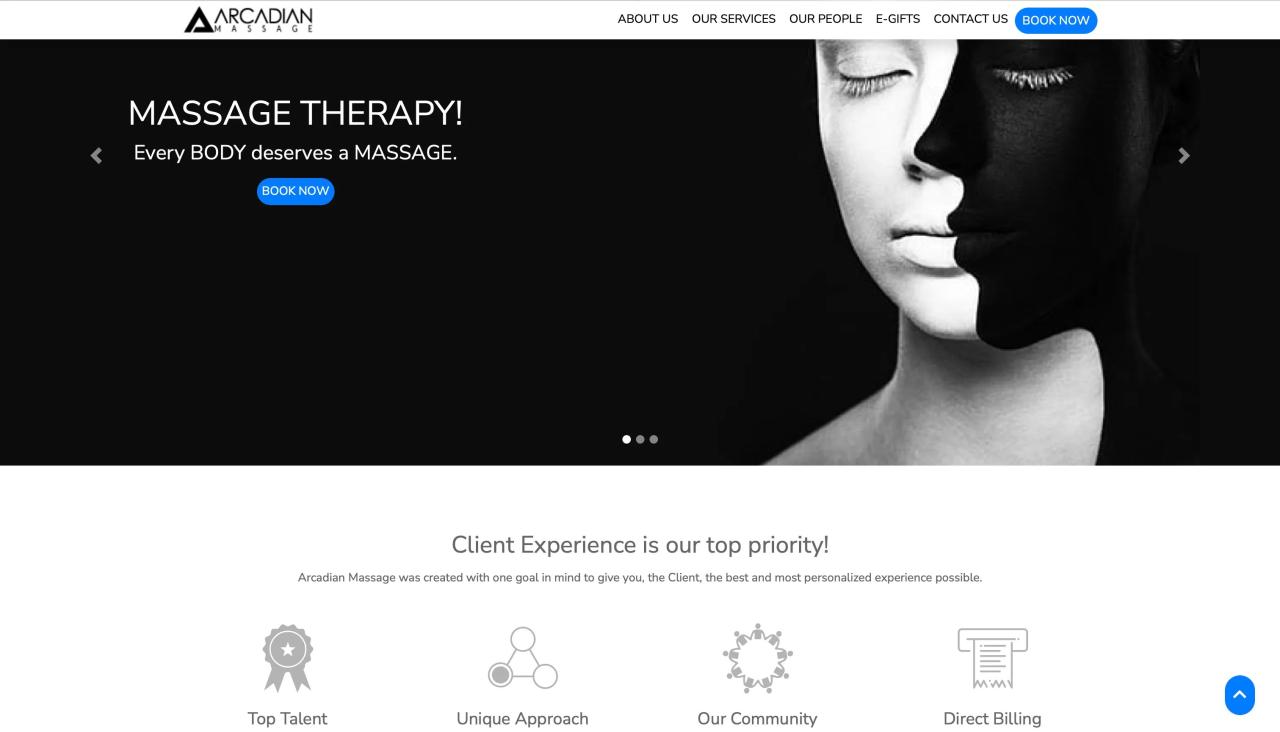
In today’s digital landscape, a well-executed UI/UX design is essential not only for engaging users but also for driving profitability. Every website is a potential revenue-generating platform when strong design principles are applied. This section explores various online business models that capitalize on effective UI/UX design, alongside strategies for e-commerce integration and a guide to monetizing a website.
Online Business Models Leveraging UI/UX
Strong UI/UX design enhances various online business models by improving user satisfaction and increasing conversion rates. Here are notable models that leverage this approach effectively:
- Subscription Services: Platforms like Netflix and Spotify utilize clean, intuitive interfaces to ensure that users can easily navigate their content libraries, leading to higher retention rates and steady income.
- E-commerce Stores: Websites like Amazon focus on user-friendly designs that simplify the shopping experience, which can enhance trust and encourage repeat purchases.
- Freemium Models: Apps like Dropbox and Grammarly employ appealing UI/UX to convert free users into paying customers, emphasizing their premium features through effective design.
- Affiliate Marketing: Blogs and content sites leverage engaging layouts to guide users toward affiliate links, optimizing layout and content to increase click-through rates.
Integrating E-commerce Functionalities for Enhanced User Experience
To optimize an e-commerce platform, effective strategies must be employed that enhance the user journey. Implementing the following functionalities can significantly improve the shopping experience:
- Responsive Design: Ensure that all elements adjust seamlessly to various screen sizes, providing a consistent experience across devices.
- Streamlined Checkout Process: Reducing the number of steps in the checkout process minimizes cart abandonment rates. Features such as guest checkout and auto-fill forms can facilitate this.
- Personalization: Utilizing user data to recommend products can enhance engagement. For instance, displaying items based on browsing history helps customers feel understood and valued.
- High-Quality Visuals: Using clear, high-resolution images along with videos can provide a better understanding of the product, contributing to informed purchasing decisions.
Step-by-Step Guide to Monetizing a Website with UI/UX Techniques
Monetizing a website involves strategically applying UI/UX techniques. Here’s a step-by-step guide to achieve this:
- Identify Your Target Audience: Understanding who your users are will help tailor the UI/UX to meet their needs and preferences.
- Create Compelling Content: Develop content that resonates with your audience while maintaining a design that enhances readability and engagement.
- Implement Effective Navigation: Design a logical and straightforward navigation structure that enables users to find information effortlessly.
- Add Monetization Features: Incorporate ads, affiliate links, or subscription options in a way that blends with the overall design without disrupting the user experience.
- Test and Iterate: Continuously gather user feedback and conduct A/B testing on different design elements to refine the experience and maximize revenue potential.
“Good design is good business.”
Thomas Watson Jr.
Through these strategies and designs, businesses can effectively monetize their online presence while providing a satisfying user experience that fosters loyalty and repeat visits.
Final Conclusion
In conclusion, mastering UI/UX design for websites opens numerous doors to enhance user satisfaction and drive business success. By applying fundamental design principles, selecting suitable hosting services, and integrating e-commerce functionalities, web creators can significantly elevate their online presence. As we move forward in the ever-evolving digital world, prioritizing user experience will surely remain a cornerstone of effective web design.
Helpful Answers
What is the difference between UI and UX?
UI (User Interface) focuses on the visual elements of a website, while UX (User Experience) encompasses the overall experience a user has with the product, including usability and functionality.
Why is mobile responsiveness important in UI/UX design?
Mobile responsiveness ensures that websites function well on various devices, providing an optimal user experience regardless of screen size, which is crucial since many users access websites via mobile devices.
How can I test my website’s UI/UX effectiveness?
User testing, feedback surveys, and analytics tools can help evaluate your website’s UI/UX effectiveness by providing insights into user behavior and satisfaction levels.
What tools are recommended for UI/UX design?
Popular tools include Sketch, Adobe XD, Figma, and InVision, which offer features for designing, prototyping, and collaborating on user interfaces.
Is UX design only for websites?
No, UX design principles can be applied across various platforms, including mobile apps, software applications, and any digital product where user interaction is involved.